Examples made with Vexy apps ↓


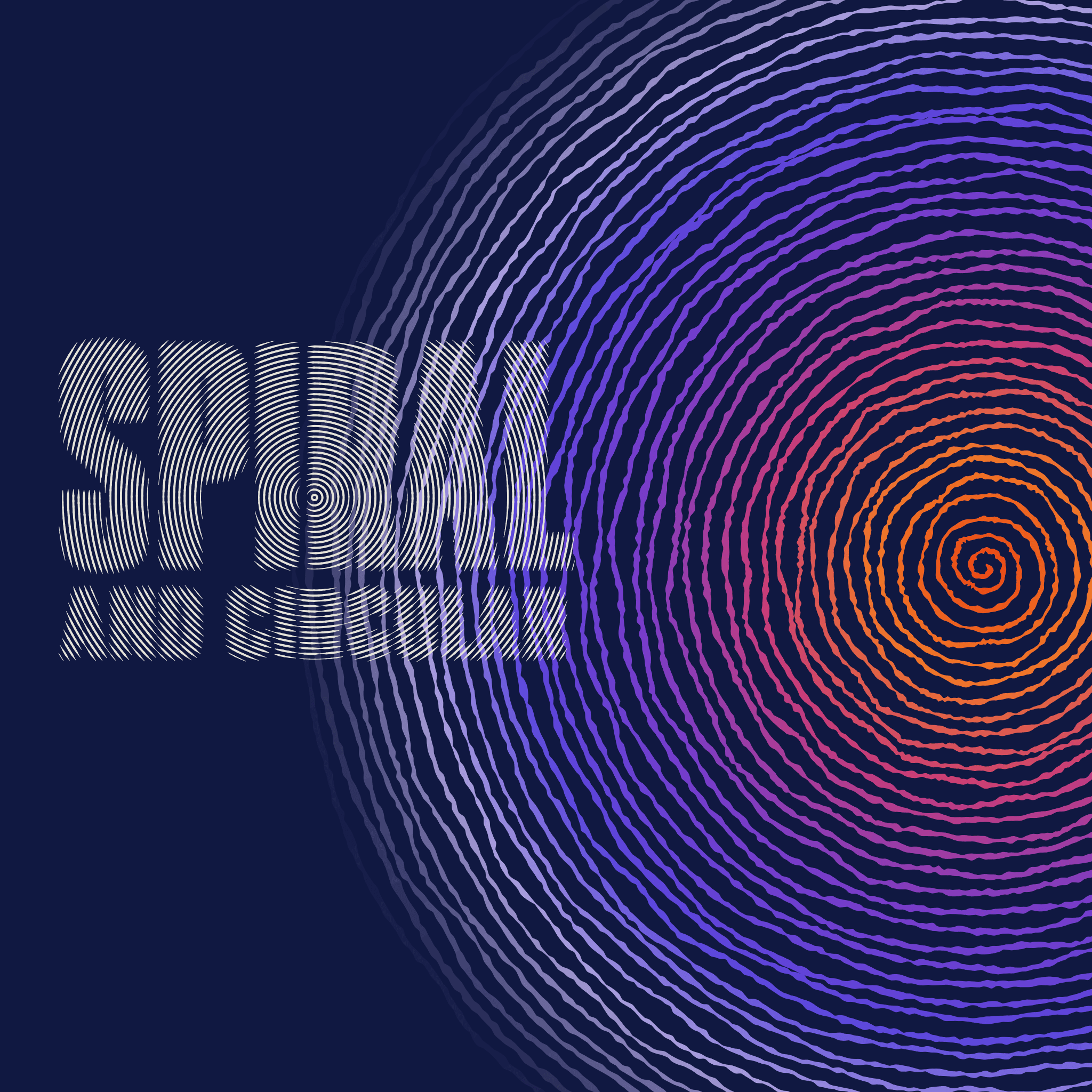
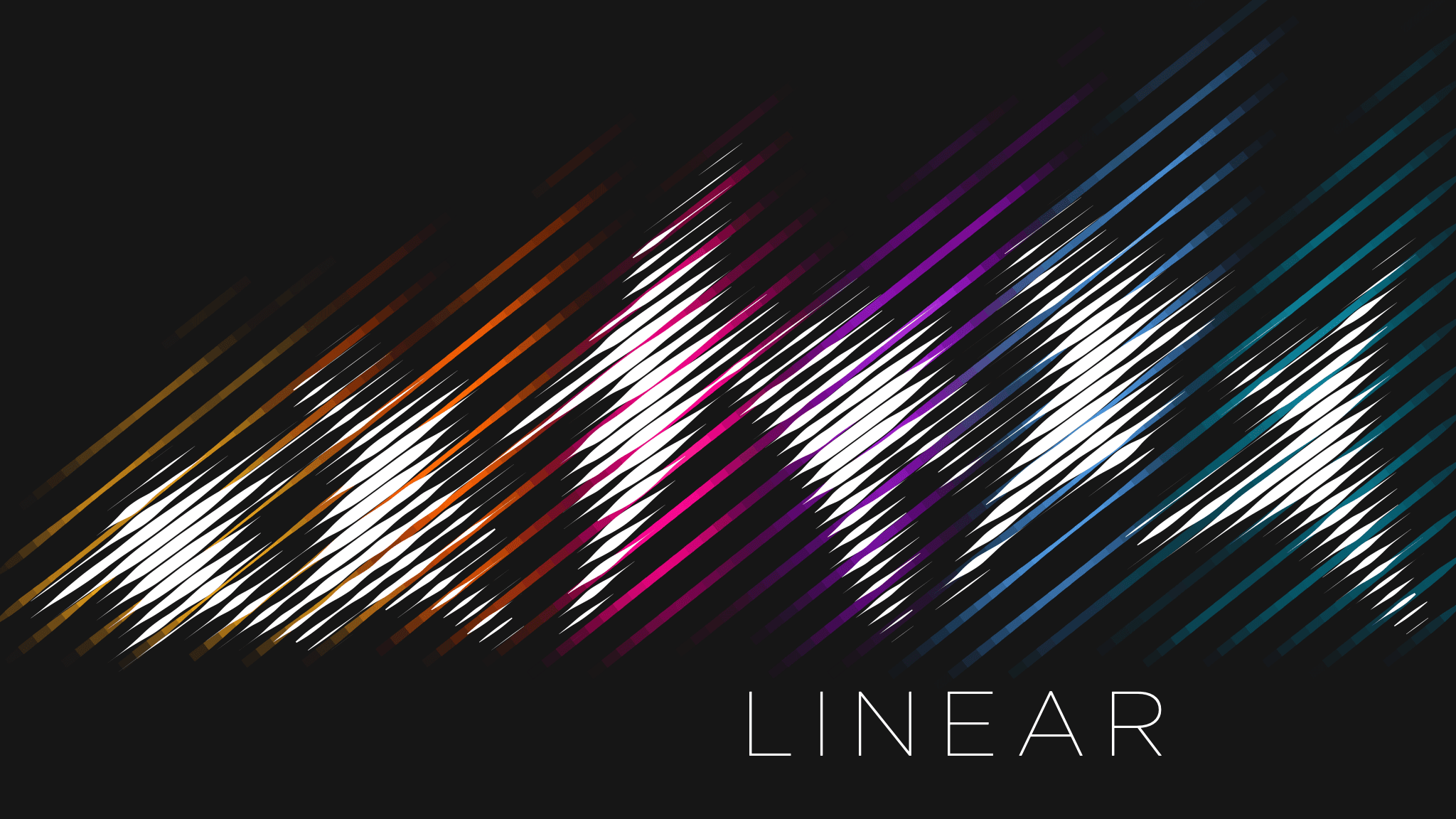


❮
❯
Click to see raw Vexy output ↑
Scroll for more examples →
Vexy Playlines
Choose an image and apply one of fourteen line-art patterns: the Vexy Playline web tool fills the object with vector dots or strokes.
These change live with the brightness of the original fill. From classic linear, halftone and stipple to trendy dither, hex, fractal or low-poly.
❮
❯
Use Vexy Playlines in 3 simple steps
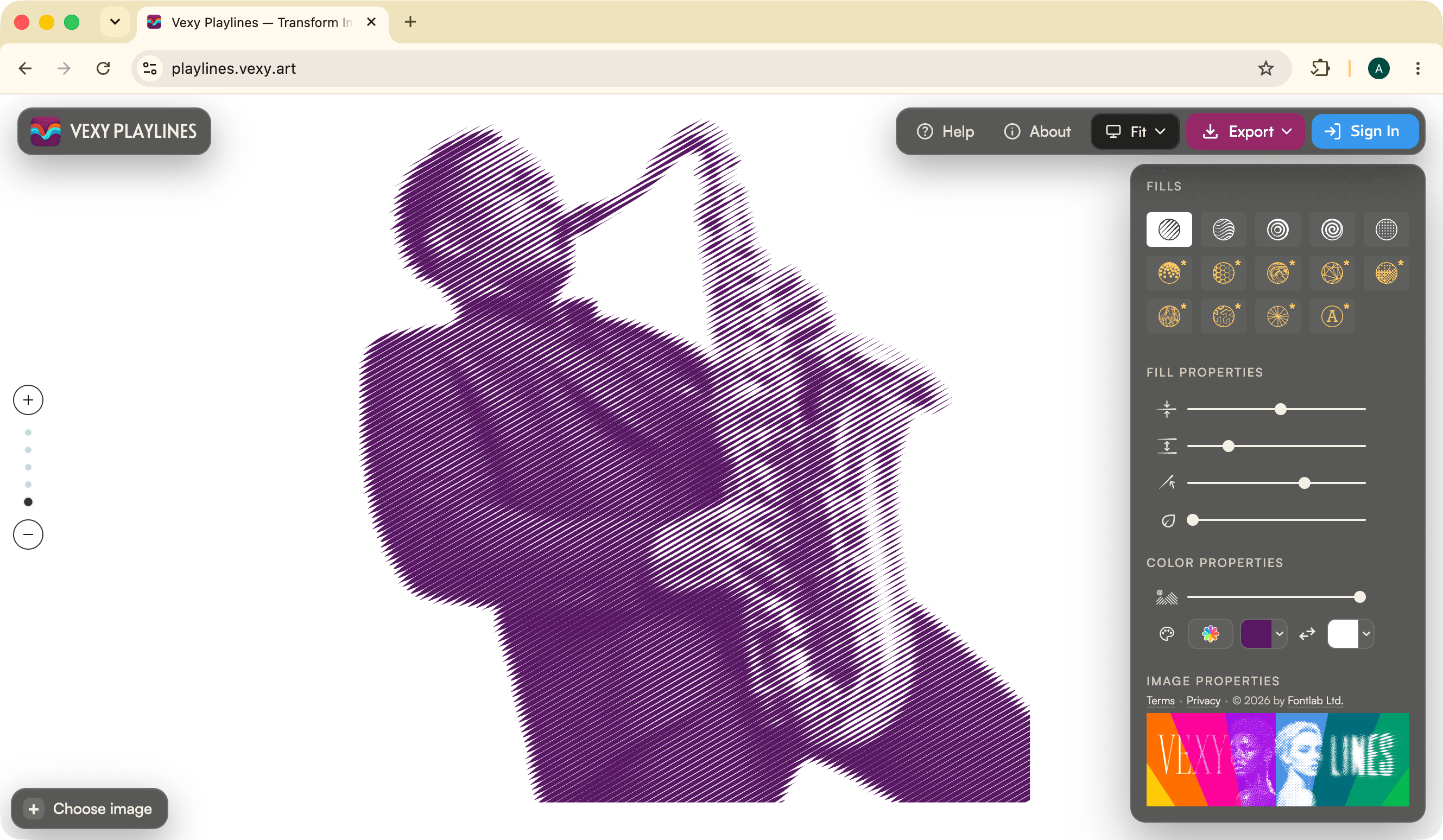
Add any image: photo, illustration, gen AI image. You’ll get best results if the image has high contrast.
Pick one of the 5 popular pattern styles. Unlock access to 9 more premium pattern styles.
Tweak thickness, spacing, angle and organic wobble. Assign static color or let the color dynamically change.
The pattern fill parade
Fourteen interpretations of the original image, generated with our Vexy Playlines engine: 5 free and 9 premium pattern styles.
You can colorize each pattern fill with either a static color of your choice (left half), or with dynamic color sampled from the source (right half).
Hover to see just one color variant. Click to enlarge ↓


Original image or object


Parallel hatching that thickens in the shadows — classic engraving.


Flowing lines that bend with the image — organic and painterly.


Concentric rings radiating from the center, like ripples.


One unbroken line spiralling outward — abstract, meditative.


A dot grid sized by darkness — newspaper and comic-book print.


Thousands of seeded dots — hedcut portraits and engraving.


A honeycomb of hexagons that shrink in the shadows.


Tones grouped into bold regions — topographic, poster-ready.


A triangulated mesh of colour facets — technical and sculptural.


An ordered cell texture — graphic, 8-bit nostalgia.


Flowing mesh-like paths guided by the image — blueprint, hologram.


Space-filling zigzags — an intricate maze of tone.


Radiating chords like nail-and-string craft.


Text characters as pixels — retro terminal art.

Vexy Lines for Mac & Windows: Desktop app that turns photos & images into engraving-style vector artwork with unlimited stacked fills, masks and meshes.
In Vexy Lines, you stack pattern fills: Linear, Wave, Radial, Circular, Spiral, Halftone, Trace, Wireframe, Scribble, Text, Fractals, Handmade, Blended, Balanced, Extended, Flowlines. Confine a fill with a mask, bend layers with a mesh.
Choose a static color or use dynamic color sampled from your image. Tweak Thickness, Interval. Angle, dashes, caps, emboss. Export SVG, PDF, EPS, PNG, JPEG.

Vexy Playlines: Web tool that turns your photo, drawing or AI image into a monochrome or colorful vector artwork. Start free in your desktop or mobile browser!
In Vexy Playlines, you can apply one Vexy pattern style to an image. Five styles are free: Linear, Wave, Circular, Spiral, Halftone. Unlock premium pattern styles with Vexy Coins: Stipple. Hex, Contour, Low-Poly, Dither, Wireframe, Fractal, String Art, ASCII.
Choose a static color or use dynamic color sampled from your image. Tweak Thickness, Interval. Angle. Download a vector SVG.

Add image, apply Vexy pattern style, download infinitely scalable vector SVG.
Read the Vexy Playlines manual →