Case study · Vexy Lines · Lettering
Stuck at 1024 pixels?

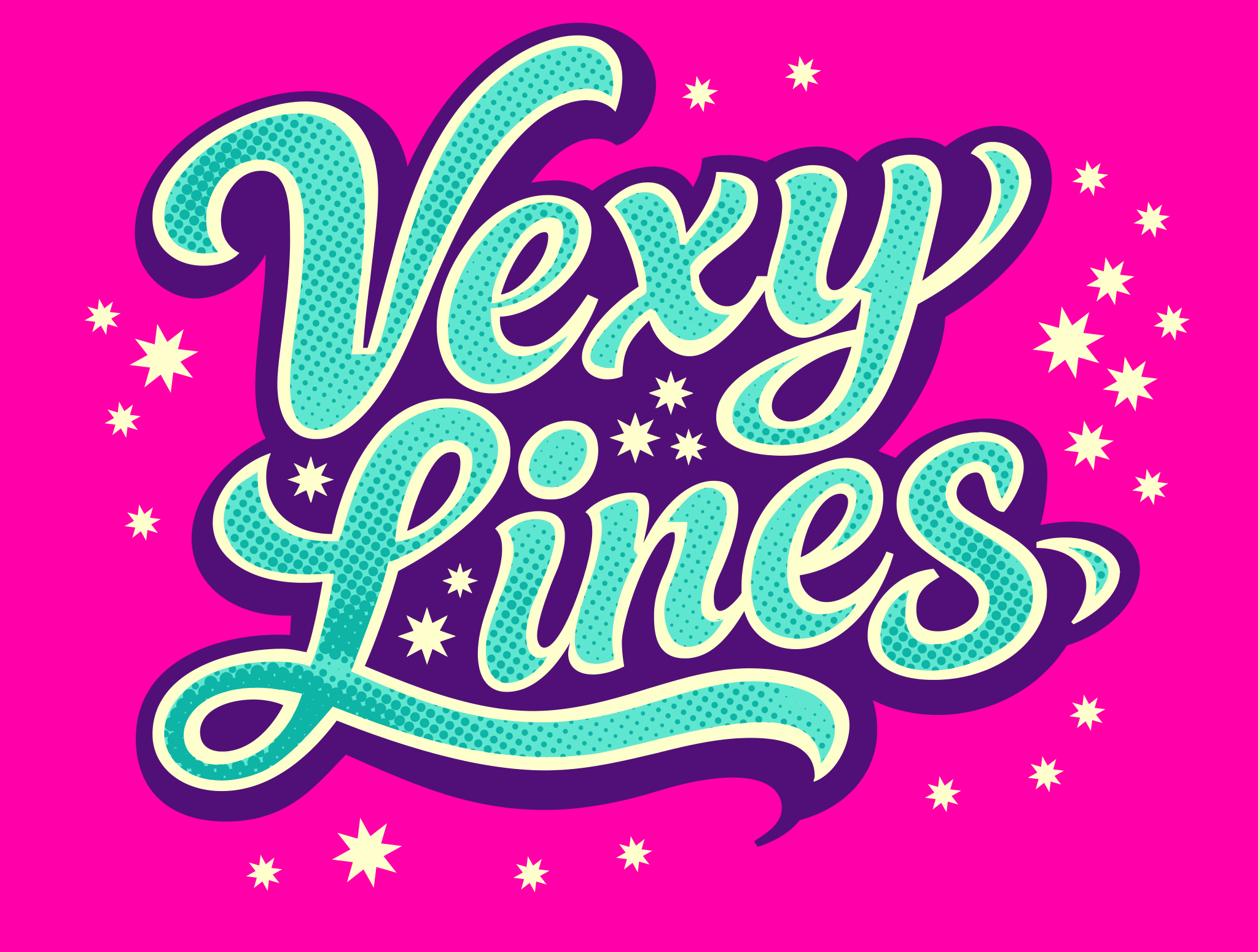
A piece of lettering often starts as a low-res image that looks fine on a phone, but turns soft and blocky at larger sizes.
Vexy Lines turns it into vector artwork with character. What comes out stays sharp at any size: ready for screens, large-format printing, and vinyl cutting.
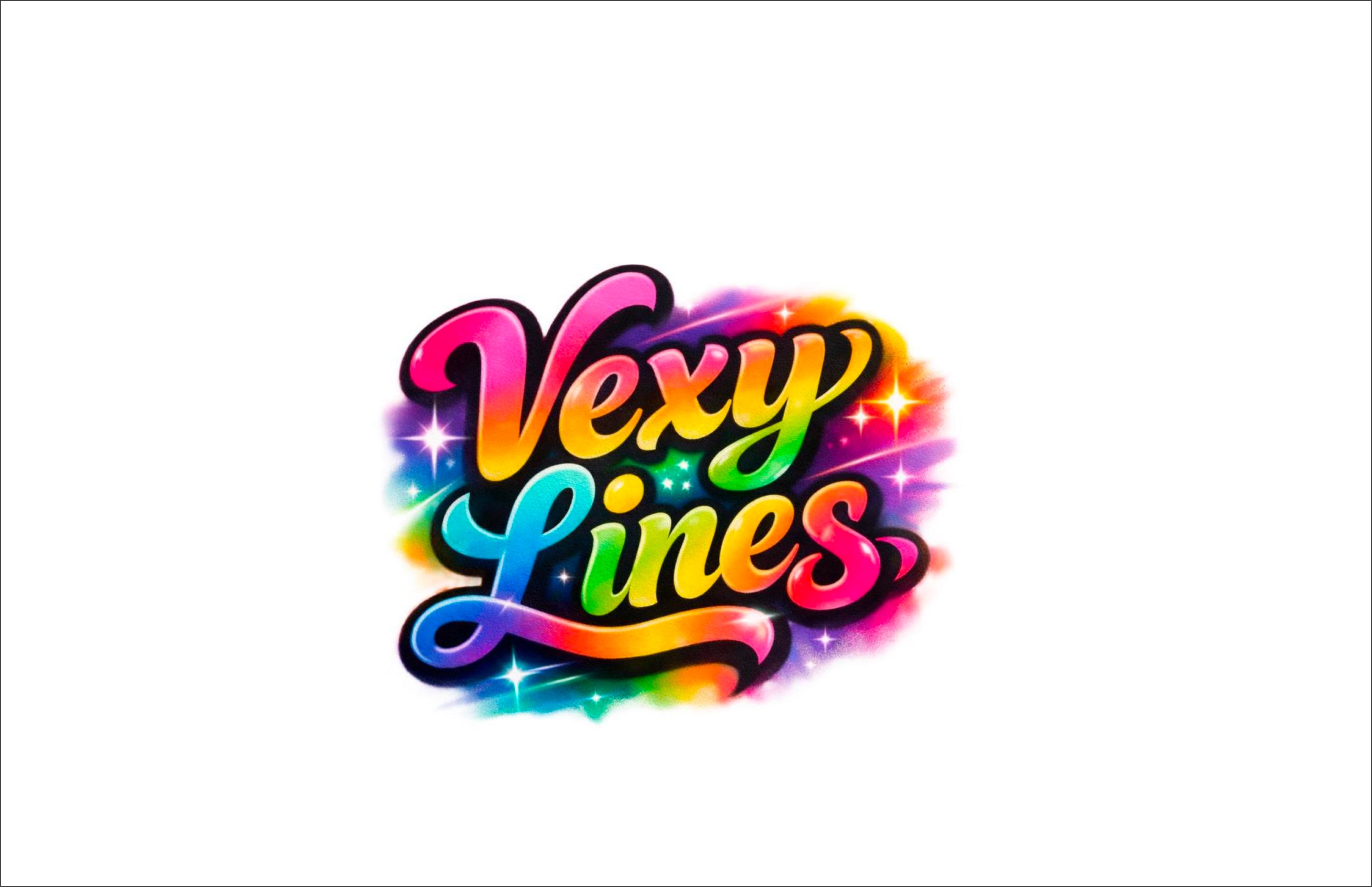

The airbrush original
Soft gradients, a spray-can glow, a little sparkle — but low resolution, and a bit too busy.
The fresh canvas
Open it in Vexy Lines as the Source image and apply a Document color. Here, hot pink.
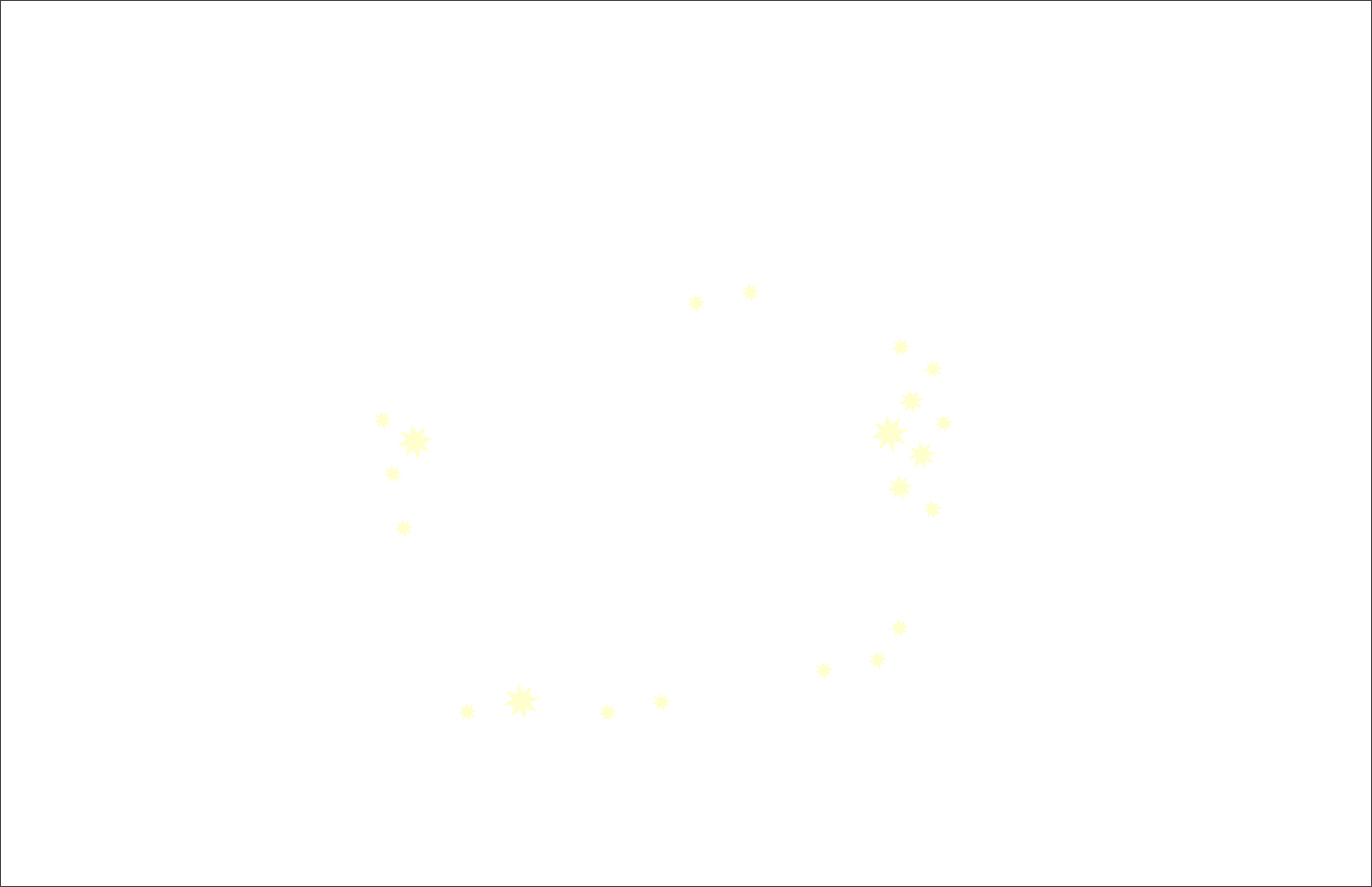
The starfield
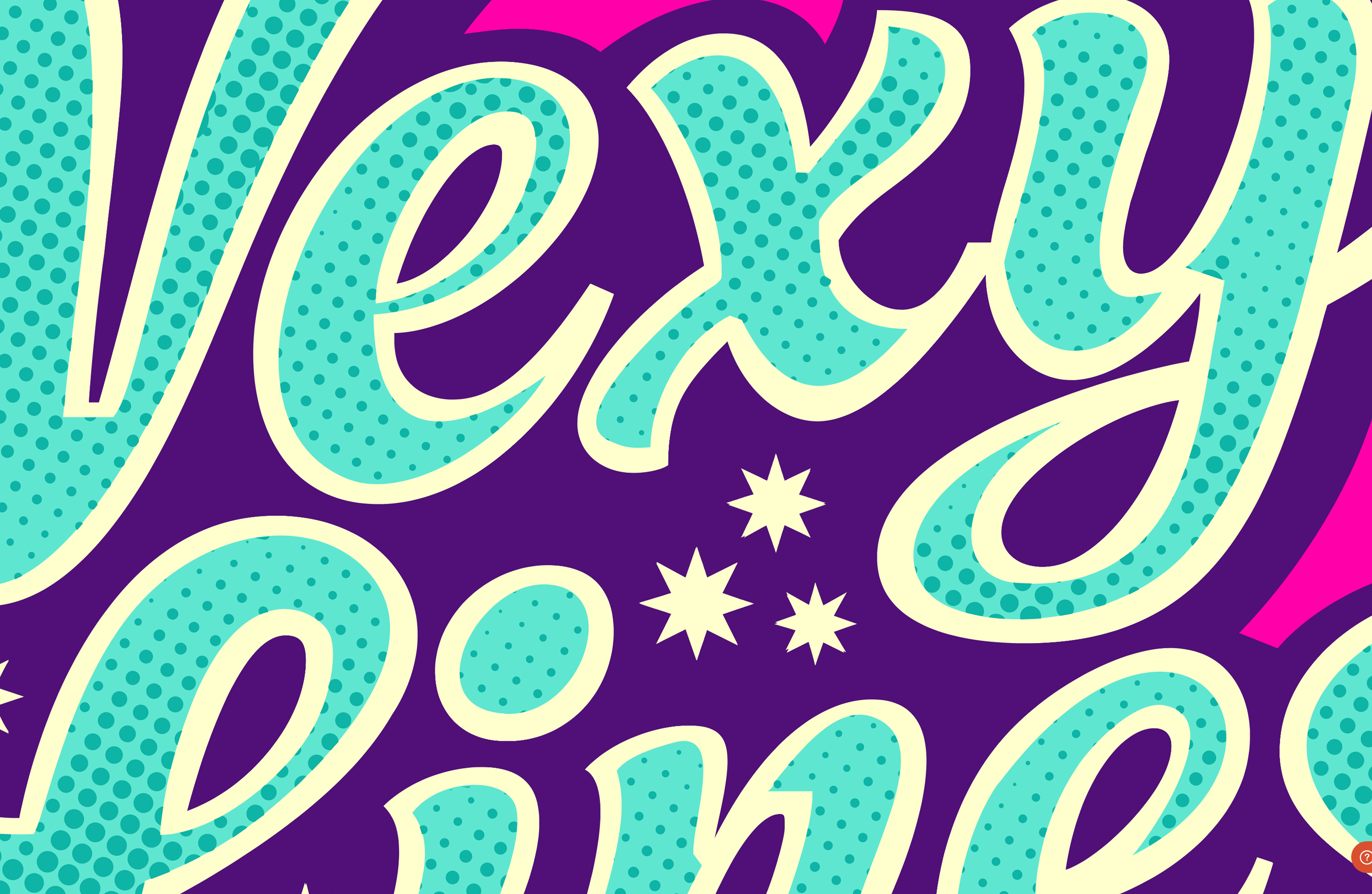
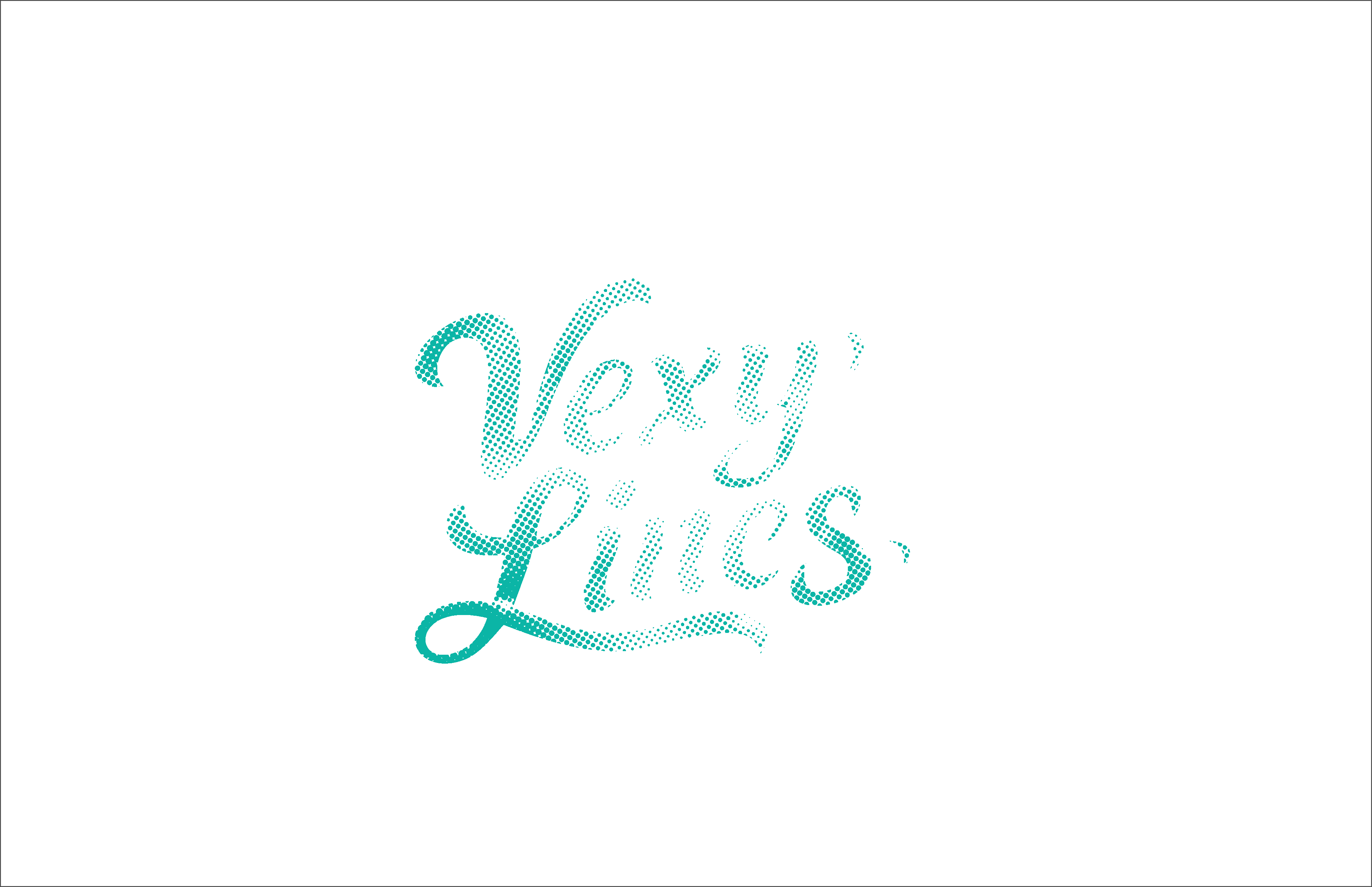
A Halftone fill scatters stars whose size follows the image’s tone — vector, not pixels.
The purple backdrop
With the Handmade fill, we automatically traced the key lettering, and then only left the outer shell to serve as a backdrop.
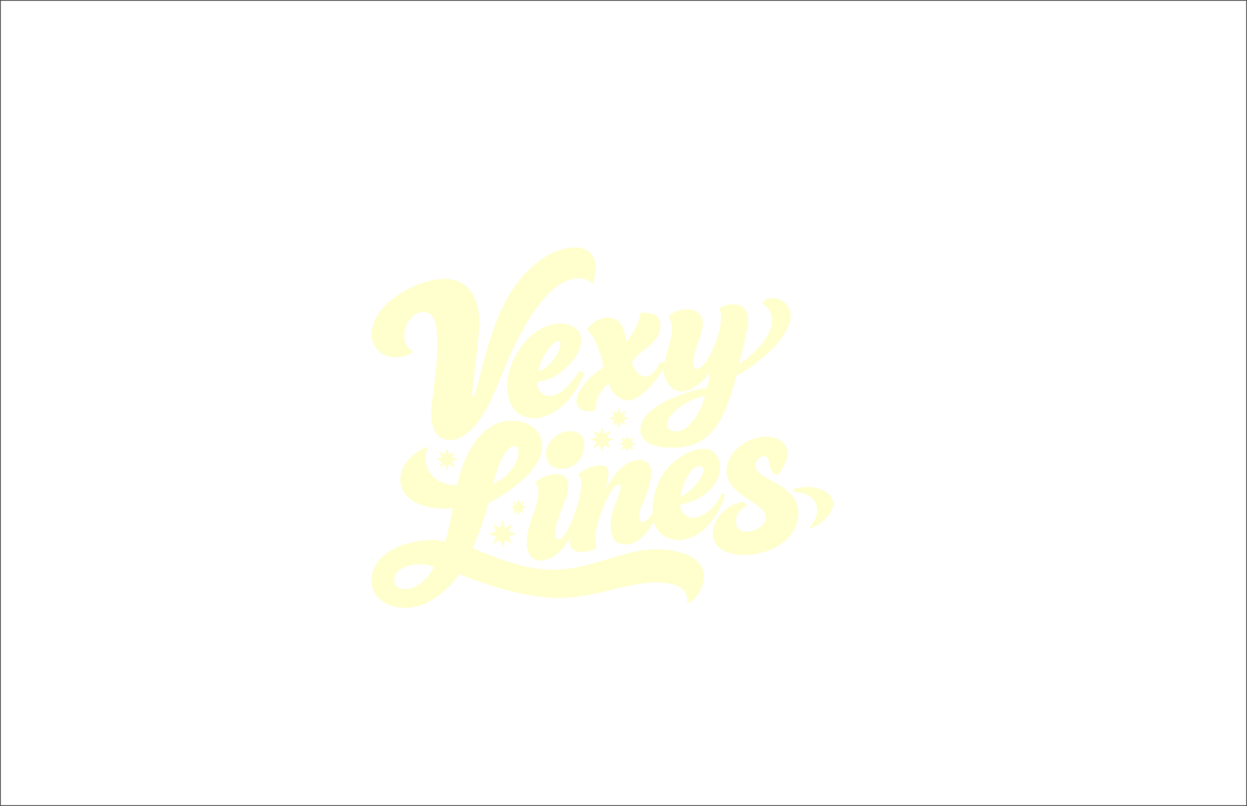
The cream outline
A second Handmade fill started with a trace but we refined it right inside Vexy Lines with the app’s friendly Bezier curves editor.
The teal fill
To get the third Handmade fill, we took the outline fill, used it as a Mask, shrunk it and filled it in teal. So it’s a teal fill.
Tone, then done
A darker teal Halftone uses the same mask as our teal fill, and adds texture to the inner strokes. Every layer stays live. Rescale, recolour, re-export at any size.
Vexify your image.
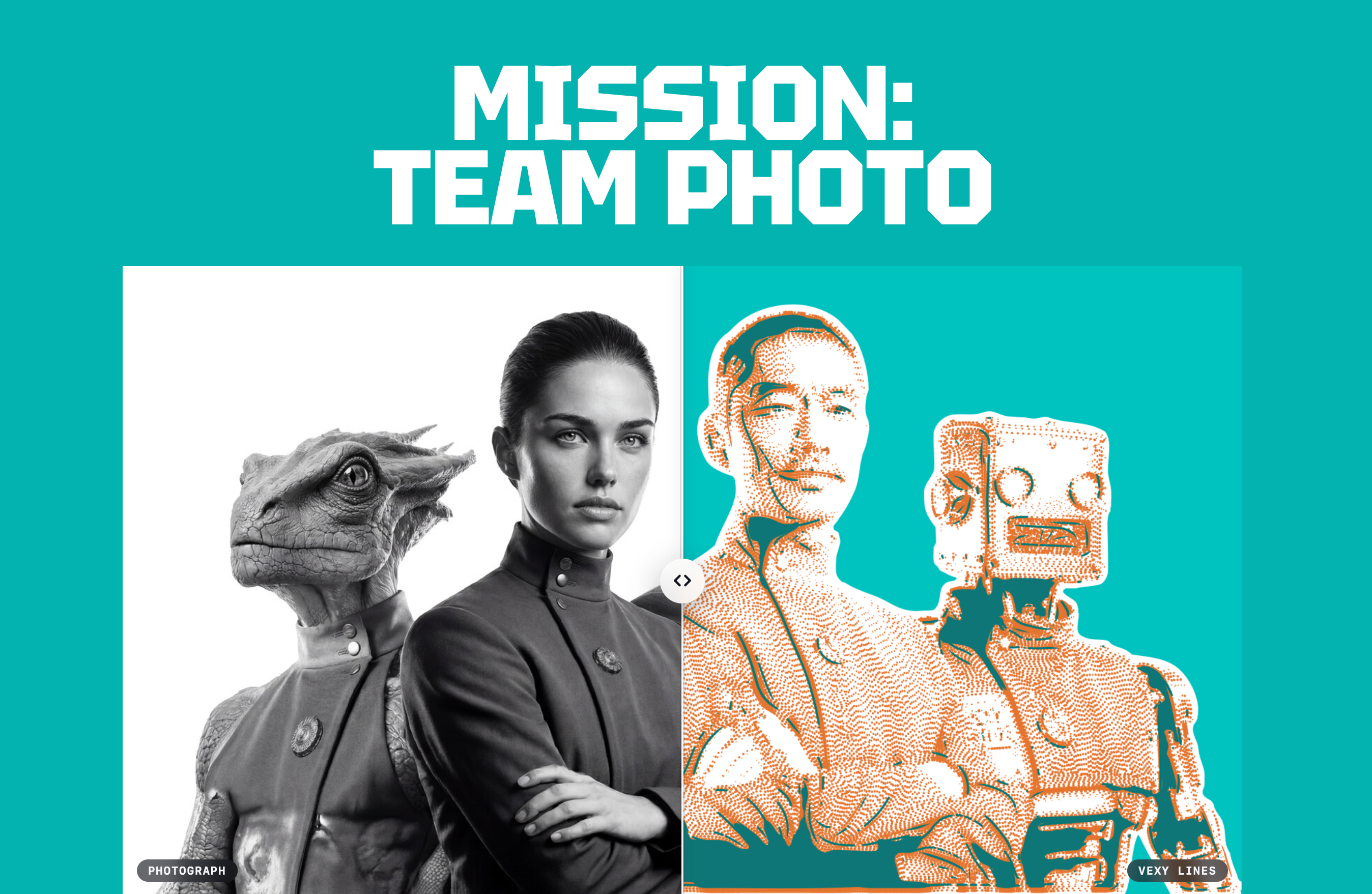
Turn any photo, sketch or gen AI image into clean, scalable vectors.

Vexy Playlines: Web tool that turns your photo, drawing or AI image into a monochrome or colorful vector artwork. Start free in your desktop or mobile browser!
In Vexy Playlines, you can apply one Vexy pattern style to an image. Five styles are free: Linear, Wave, Circular, Spiral, Halftone. Unlock premium pattern styles with Vexy Coins: Stipple. Hex, Contour, Low-Poly, Dither, Wireframe, Fractal, String Art, ASCII.
Choose a static color or use dynamic color sampled from your image. Tweak Thickness, Interval. Angle. Download a vector SVG.

Vexy Lines for Mac & Windows: Desktop app that turns photos, drawings and AI images into engraving-style vector artwork with unlimited stacked fills, masks and meshes.
In Vexy Lines, you build a document from layers and groups, each reading its own source image. Stack pattern fills: Linear, Wave, Radial, Circular, Spiral, Halftone, Trace, Wireframe, Scribble, Text, Fractals, Handmade, Blended, Balanced, Extended, Flowlines. Confine a fill with a mask, bend layers with a mesh.
Choose a static color or use dynamic color sampled from your image. Tweak Thickness, Interval. Angle, dashes, caps, emboss. Export SVG, PDF, EPS, PNG, JPEG.