MiSSiON: TEAM PHOTO

THE CURSE OF “BRiNG YOUR OWN HEADSHOT.”
Team photos are challenging. If all team members work in one location, you may have a chance to organize a photoshoot.
With multiple locations and remote work, you may ask each team member for a headshot, but you’ll struggle with getting a consistent look.
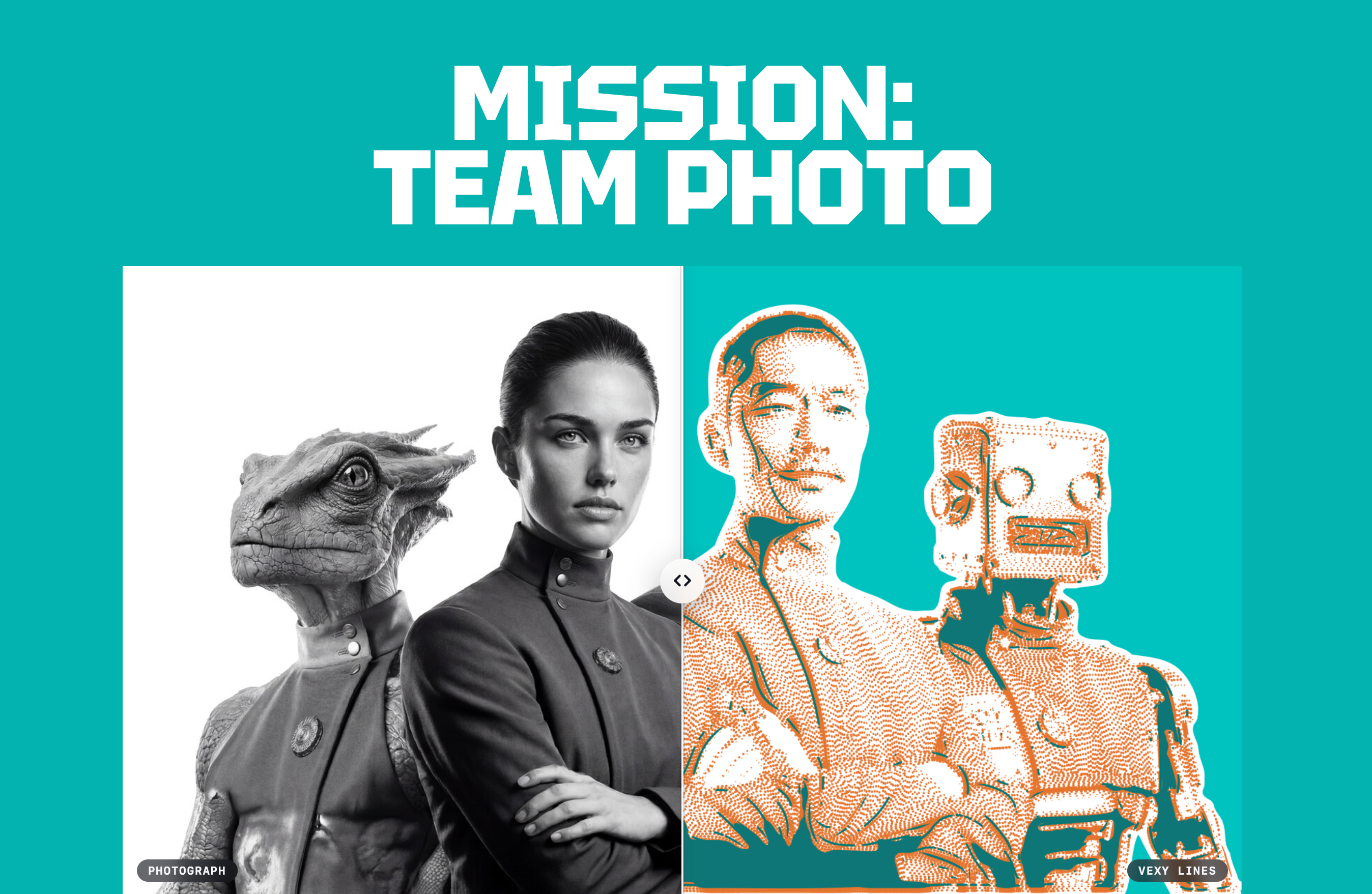
A stylized vector illustration built in Vexy Lines gives every headshot the same look. Your team reads as one team.
The hedcut tradition
Portraits drawn entirely in lines
The hedcut — those stippled, cross-hatched faces from the front page of the Wall Street Journal — is among the most patient crafts in illustration.
Each one is engraved by hand from thousands of dots and strokes, placed so that likeness emerges from density alone. A single portrait can take an artist the better part of a day.
Vexy Lines builds one from a photograph. It reads the Source image as pure light and shade, then re-draws every tone as a pattern of strokes, layer by layer. Drag the divider: above is the source photograph of Captain Elara Vance; below, the same face rebuilt as a hedcut.
How a hedcut is built
A face, assembled from layers
Every Vexy Lines portrait is a stack of transparent layers — one fill per region, each behind its own mask.
Scroll to view the initial version of the portrait. Click Preview / Explain to toggle between the synthesis and the analysis.
From instant results to hand-made refinement
Enhance progressively
In Vexy Playlines on the web, or in Vexy Lines for Mac or Windows, you can get a striking effect by adding just a single fill.
In the Vexy Lines desktop app, you can go further: overlay fills only in certain masked areas, turn every solid line into a dashed or dotted one, adjust brightness, contrast or sharpness of the source image, mix colors. The more you refine, the more “hand-made” the result appears.
1
In Vexy Lines, I applied one single Circular fill across the entire image.
This is a more dynamic alternative to a simple Linear fill and is already a usable vector drawing.
2
I reduced the stroke thickness, and added a second Circular fill with a different origin.
Then I generated a Diamond Dots fill in the centers of the intersecting areas.
This creates a classic cross-hatch engraving look.
3
I added a new layer and a Smooth mask over the hair.
Then I added a Flowlines fill with just a few control paths.
If you have a transparent area in the top layer, Mask Overlay makes it opaque in the bottom layer.
portrait #4
Study it, download, get inspired
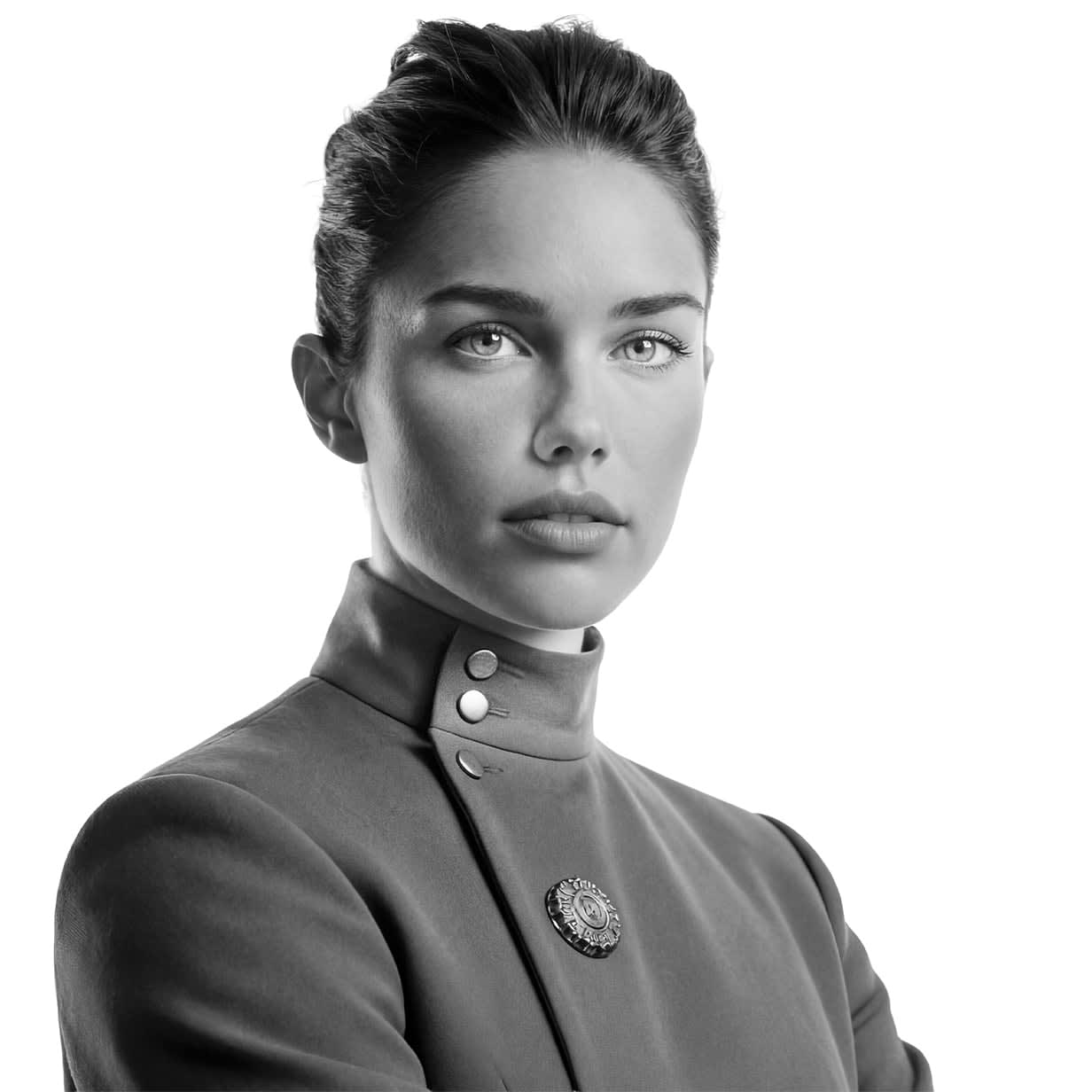
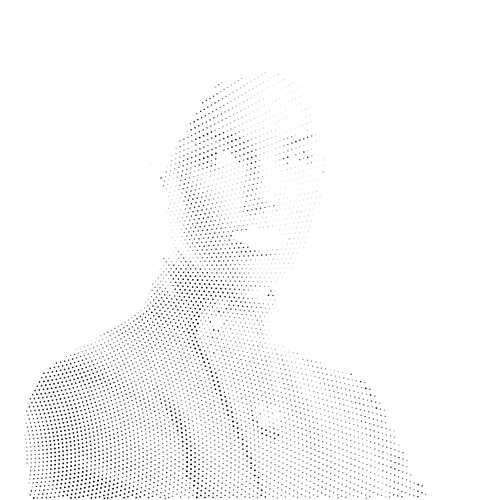
The photograph Vexy Lines starts from — everything below is derived from its light and shade.
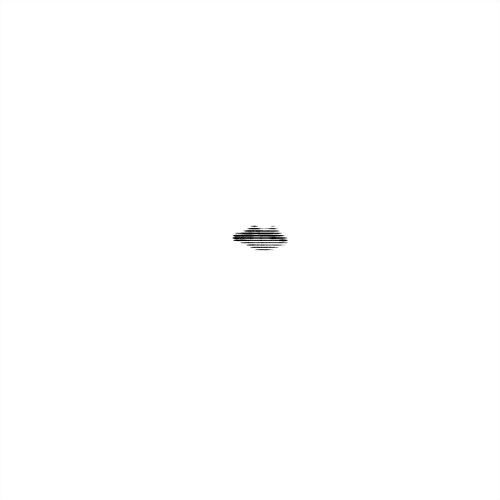
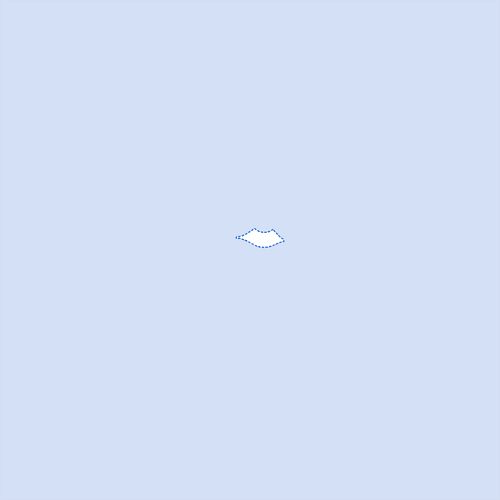
Lips · mask
White reveals, black conceals — the mask pins a fill to a single region.
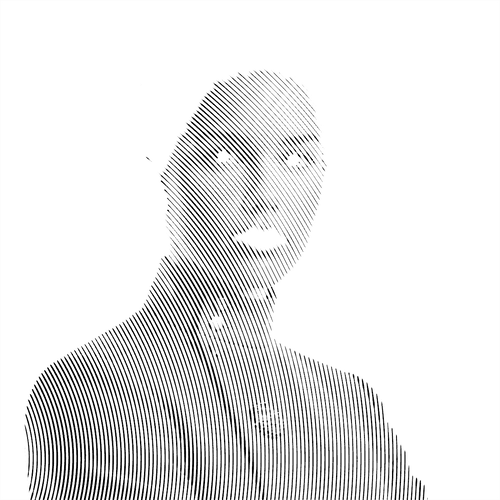
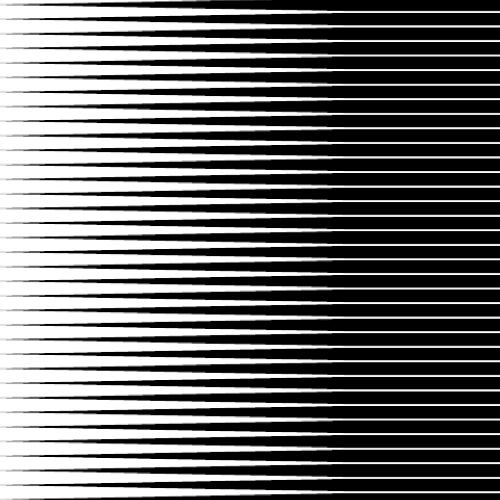
Linear fill
Straight hatching; stroke weight tracks luminosity. The cleanest, most engraving-like fill.
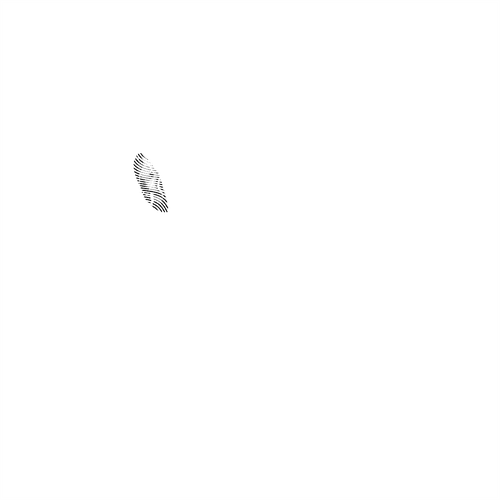
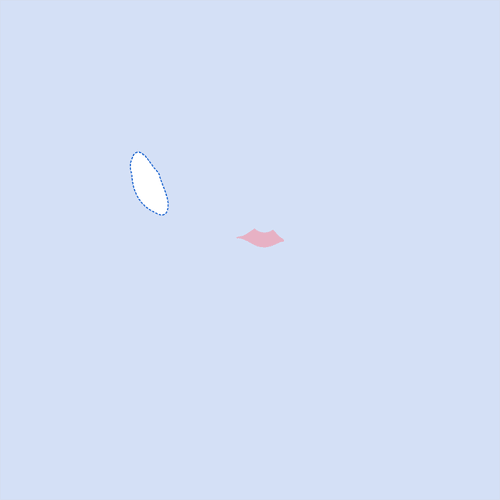
Ear · mask
A small region of tight curves where the fill has to bend.
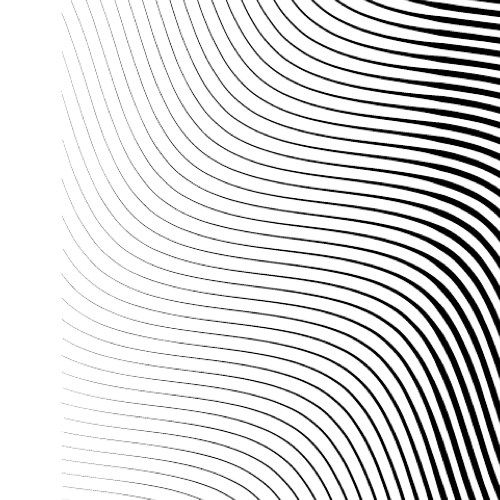
Wave fill
The line screen bent into waves that follow the curl of the ear.
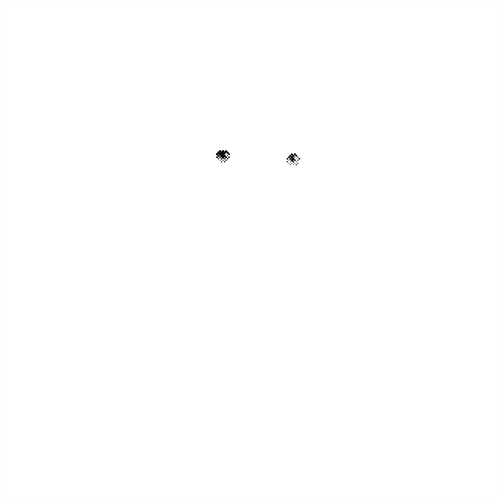
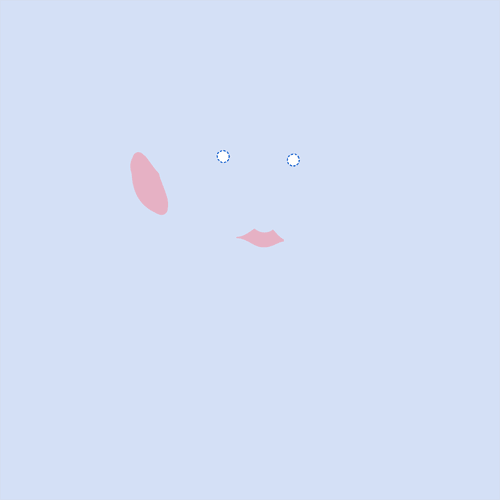
Eyes · mask
The smallest, highest-contrast detail in the face.
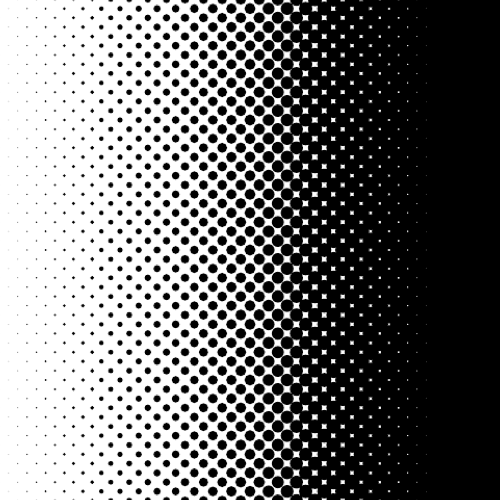
Halftone fill
Dots that swell in shadow and shrink in highlight; holds fine detail.
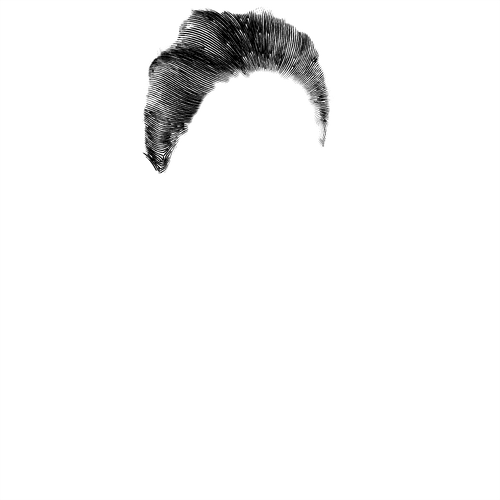
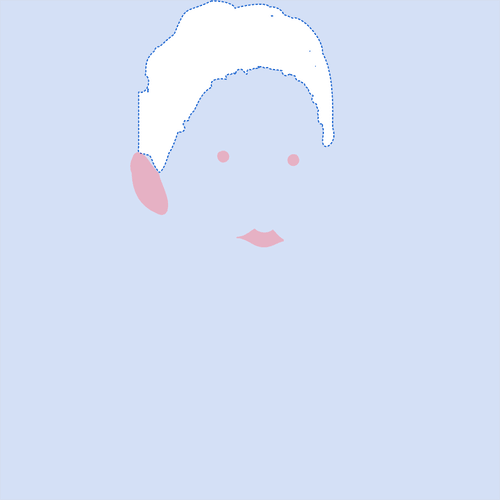
Hair · mask
The one region with strong directional flow.
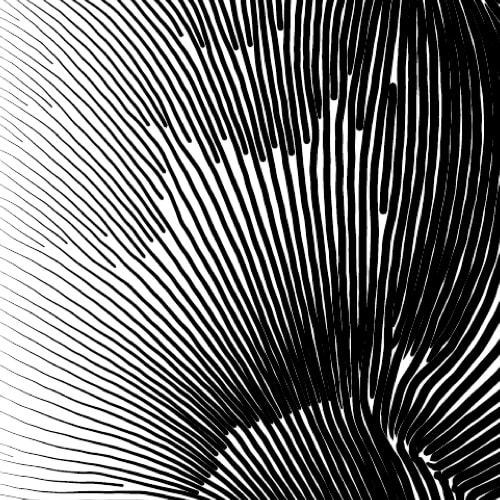
Flowlines fill — handmade
Hand-guided strokes that stream along the direction of the hair.
Face · mask
The largest region; it stacks three fills.
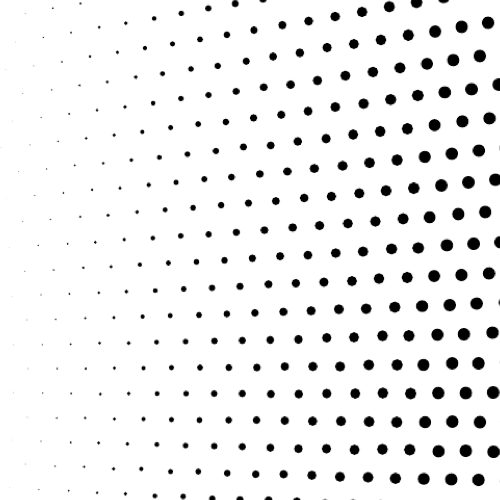
Diamond dots
A diamond dot screen for the broad planes of skin.
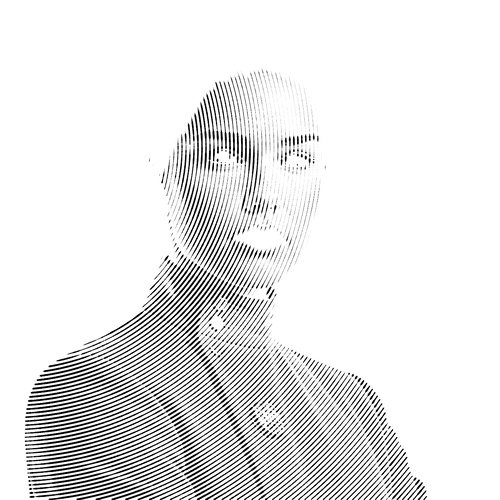
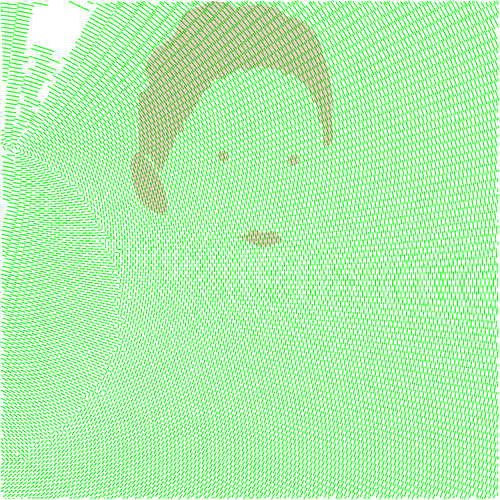
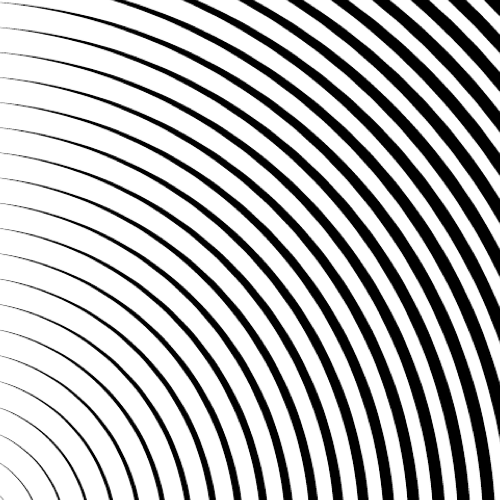
Circular fill — bottom-left
Concentric rings; the linework implies light from the lower-left.
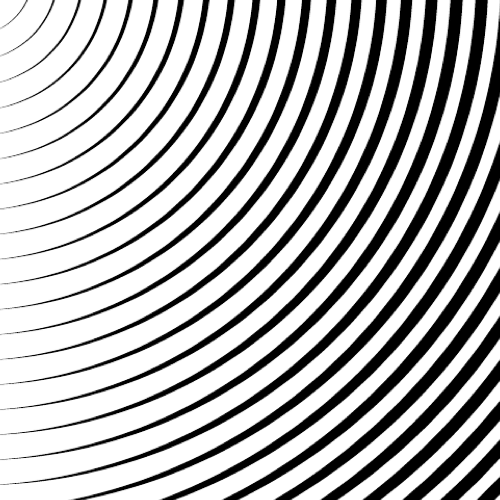
Circular fill — top-left
Rings re-centred to the upper-left; swap or stack for a sculpted look.
Download Portrait #4
Open the .lines document in Vexy Lines to inspect every layer, mask and fill of Captain Vance for yourself — or grab the print-ready PDF.
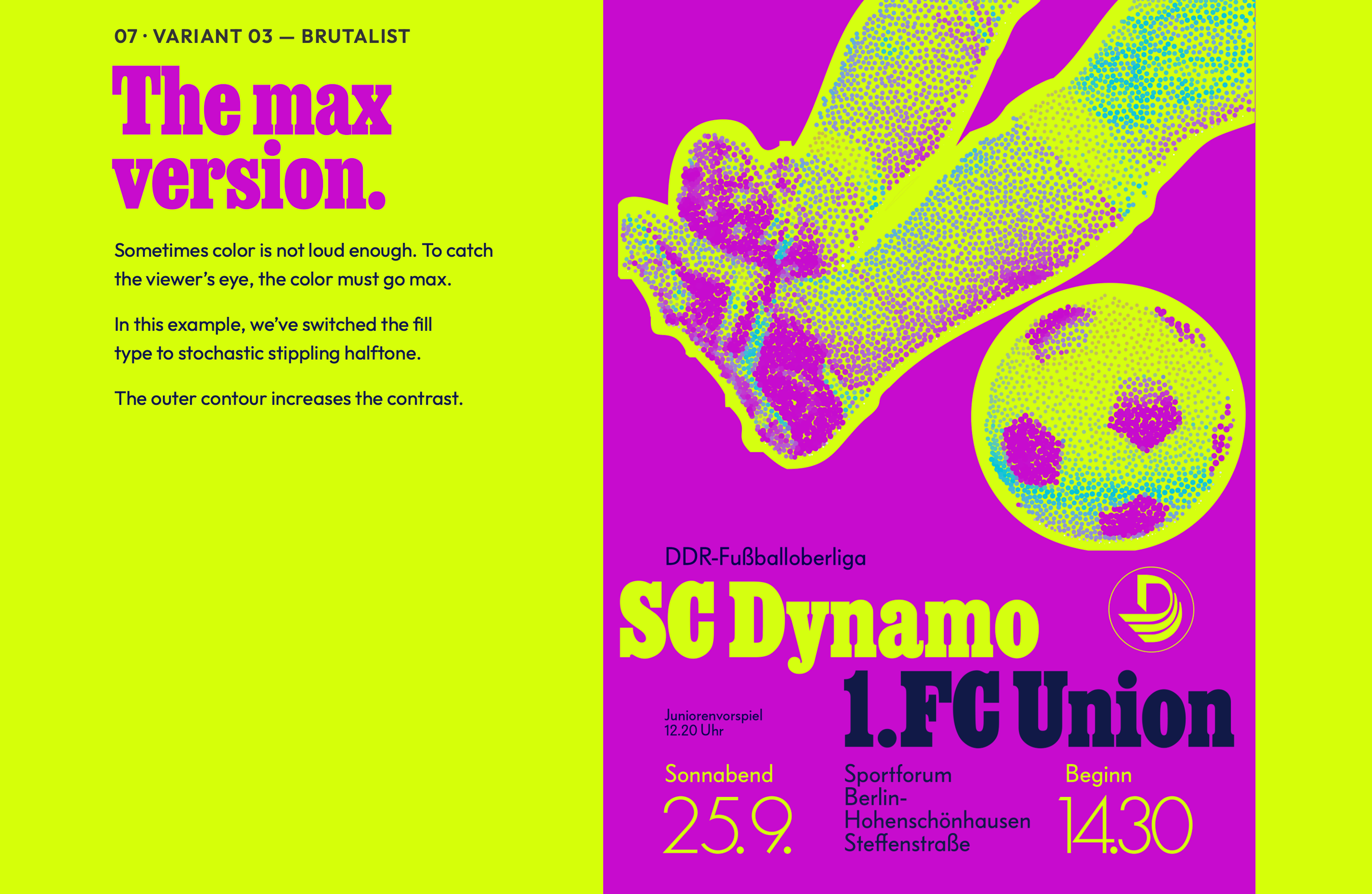
The classic hedcut is formal by design — it reads as authority, the face you put on a banknote or a front page. But the same engine bends in other directions.
Swap the fills, the colour and the line work and a single photograph becomes a whole crew: a clean linear officer, a lieutenant coloured stroke by stroke, an alien whose scales turn to geometry, a robot snapped to hard two-tone edges. Same algorithm, different flavour.
NOT EVERY PORTRAiT WANTS TO LOOK SO SERiOUS.


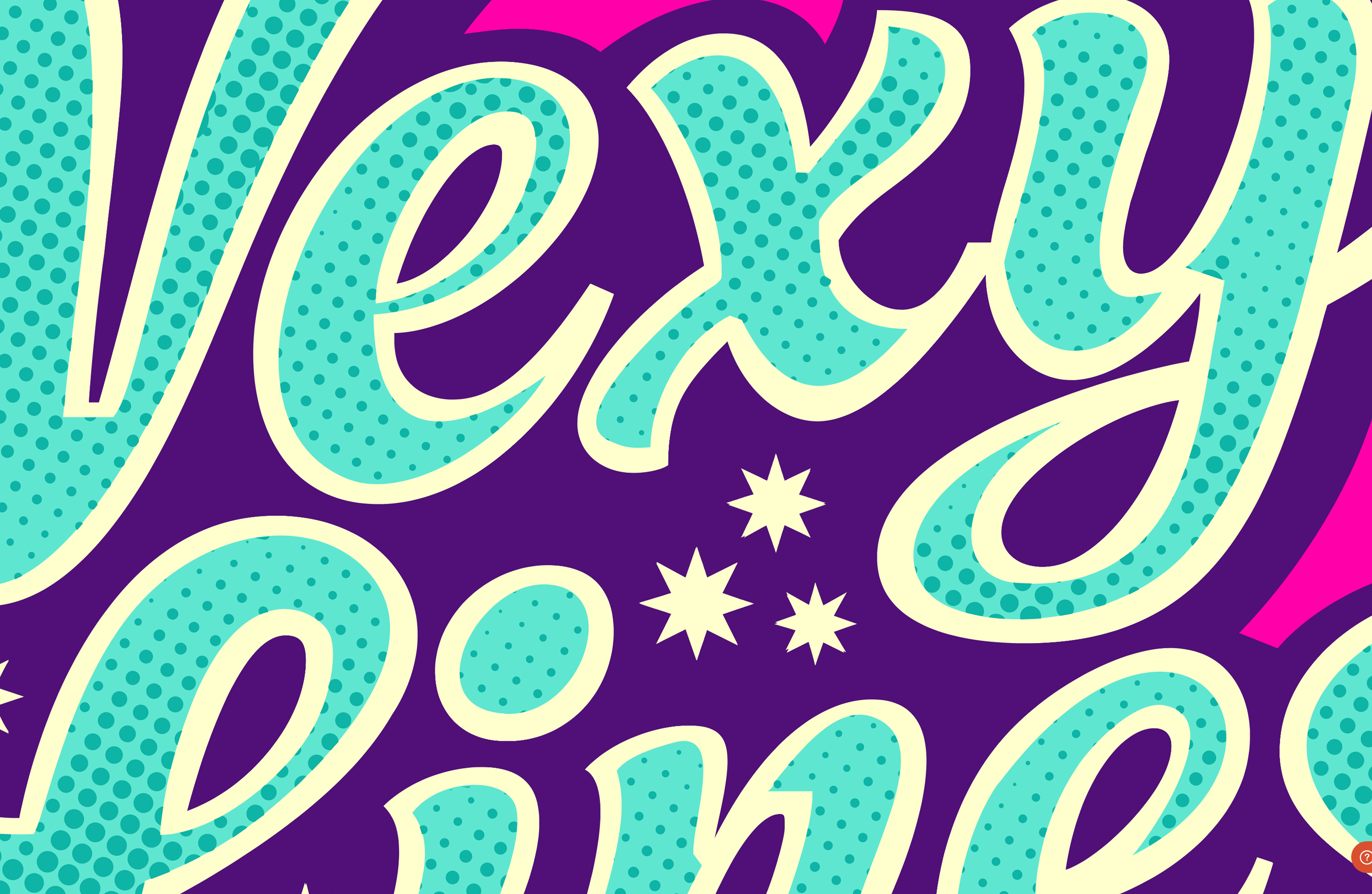
AiM FOR THE STARS. ONE HALFTONE DOT AT A TiME.
Vexy Lines exports clean SVG or PDF. Bring them into Adobe InDesign, Illustrator or Photoshop, into Affinity, PowerPoint or Keynote — and build further.


Give each image a different fill for a varied look, then assemble them in your design app into one poster.

The output is clean vector. It holds its edge on any medium, at any scale: poster, shirt, or screen.
VEXiFY YOUR iMAGE.

Vexy Playlines: Web tool that turns your photo, drawing or AI image into a monochrome or colorful vector artwork. Start free in your desktop or mobile browser!
In Vexy Playlines, you can apply one Vexy pattern style to an image. Five styles are free: Linear, Wave, Circular, Spiral, Halftone. Unlock premium pattern styles with Vexy Coins: Stipple. Hex, Contour, Low-Poly, Dither, Wireframe, Fractal, String Art, ASCII.
Choose a static color or use dynamic color sampled from your image. Tweak Thickness, Interval. Angle. Download a vector SVG.

Vexy Lines for Mac & Windows: Desktop app that turns photos, drawings and AI images into engraving-style vector artwork with unlimited stacked fills, masks and meshes.
In Vexy Lines, you build a document from layers and groups, each reading its own source image. Stack pattern fills: Linear, Wave, Radial, Circular, Spiral, Halftone, Trace, Wireframe, Scribble, Text, Fractals, Handmade, Blended, Balanced, Extended, Flowlines. Confine a fill with a mask, bend layers with a mesh.
Choose a static color or use dynamic color sampled from your image. Tweak Thickness, Interval. Angle, dashes, caps, emboss. Export SVG, PDF, EPS, PNG, JPEG.